Earth Pulse
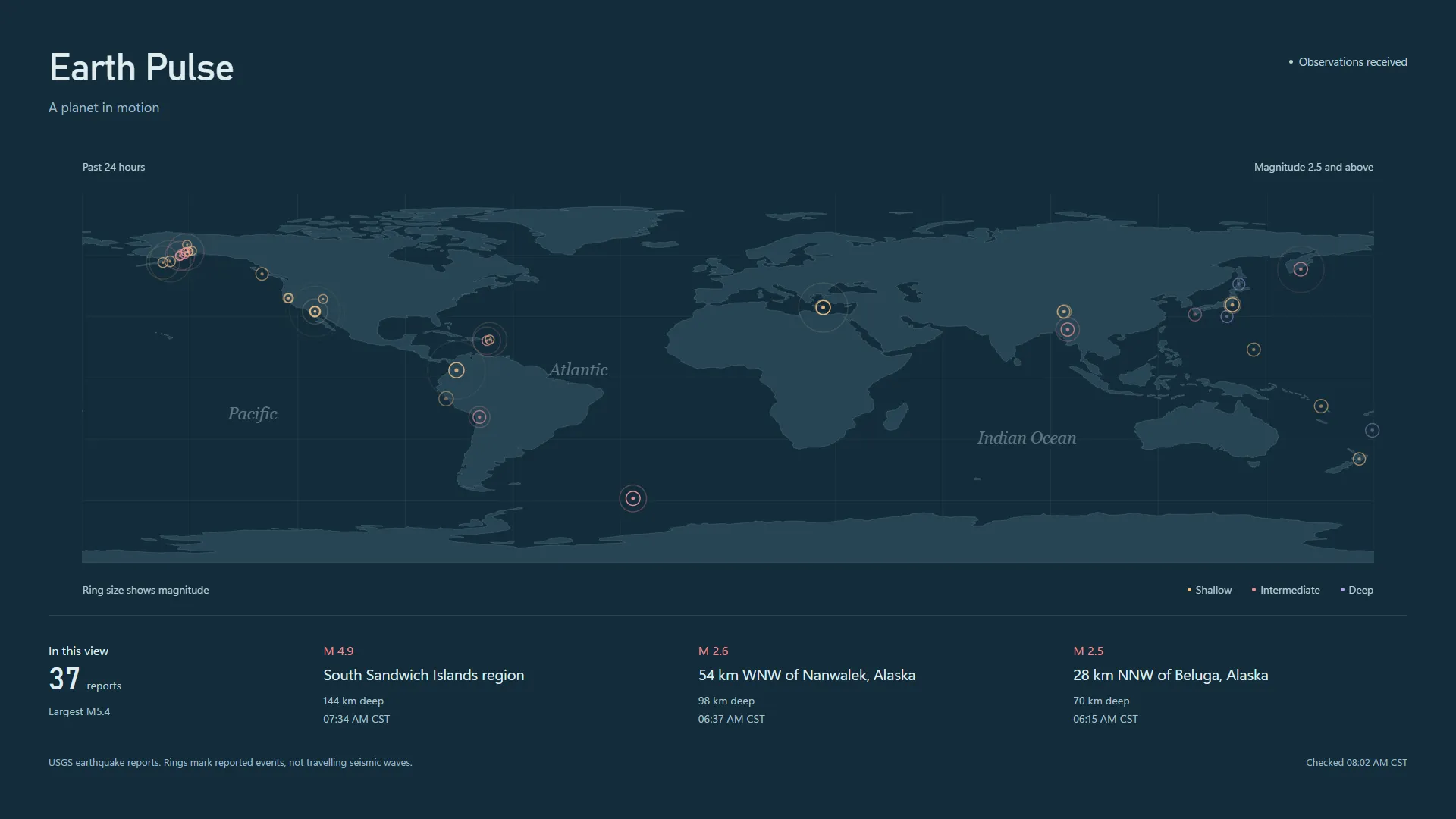
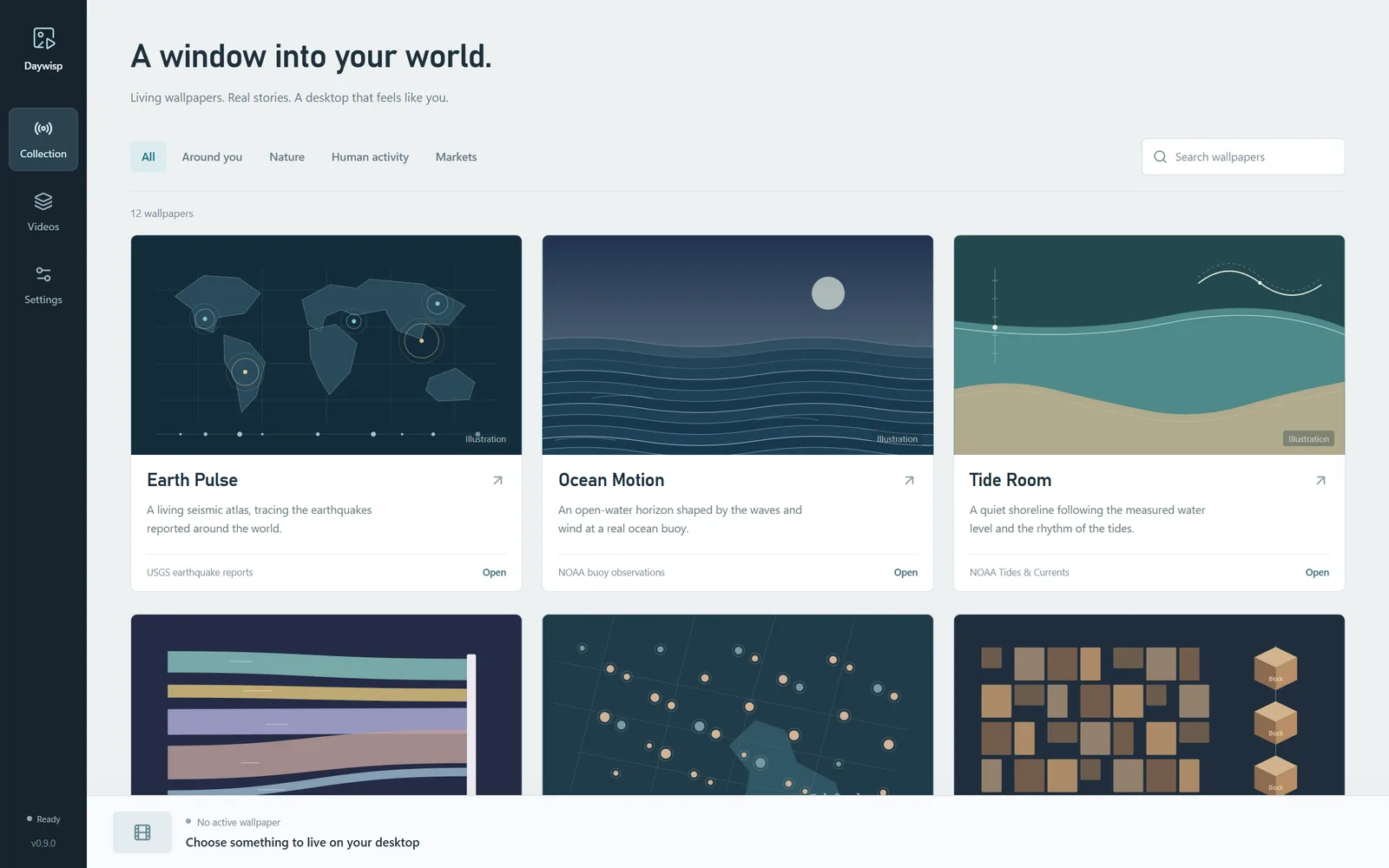
A living seismic atlas. Earthquakes reported in the past hour, day or week appear as rings: size shows magnitude, colour shows depth.
Daywisp turns your desktop into a calm window on the planet. Earthquakes ripple across a map, ocean swell rolls past a real buoy, aircraft drift overhead and the night sky turns above your home, all drawn from live observations.
For Windows 10 and 11. No account, no ads, no tracking.
Every wallpaper is drawn from something real that is happening right now. Pick one, choose a place or a feed, and it settles in behind your desktop icons.
A living seismic atlas. Earthquakes reported in the past hour, day or week appear as rings: size shows magnitude, colour shows depth.
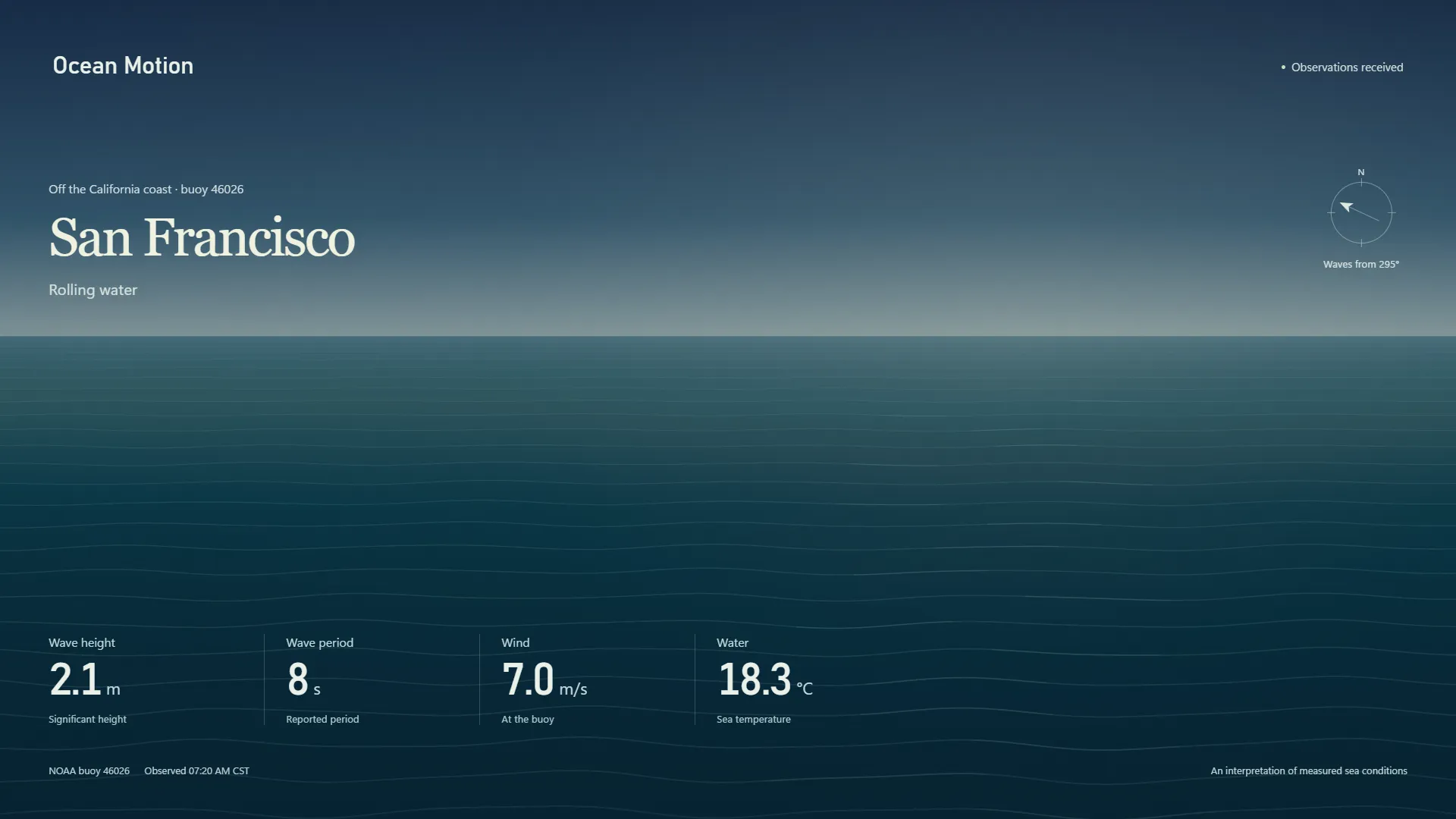
An open-water horizon off San Francisco, Long Island or Cape Canaveral. Wave height, period, direction and wind shape the swell.
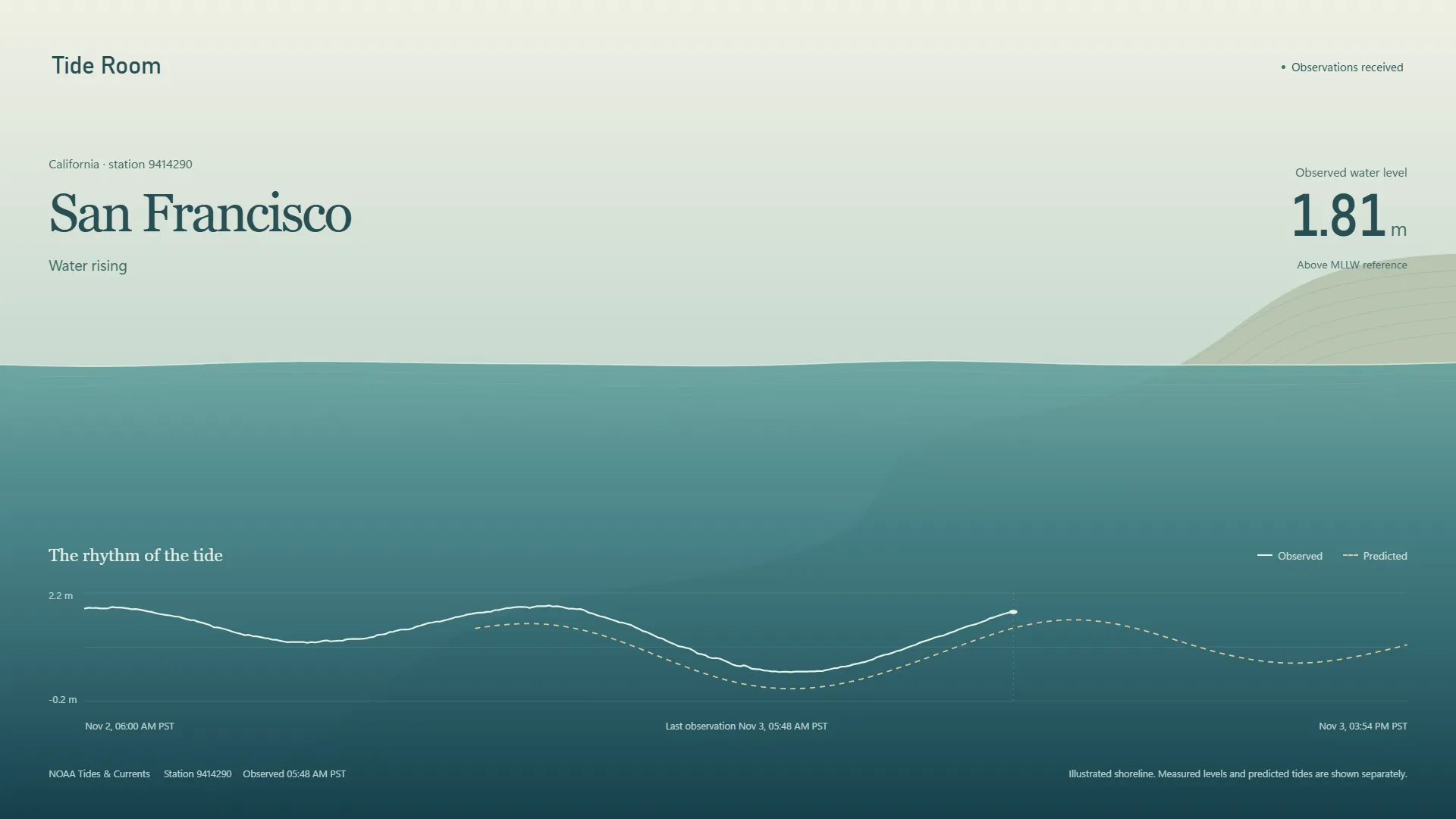
A quiet shoreline that rises and falls with the measured water level, alongside the astronomical tide prediction for the day.
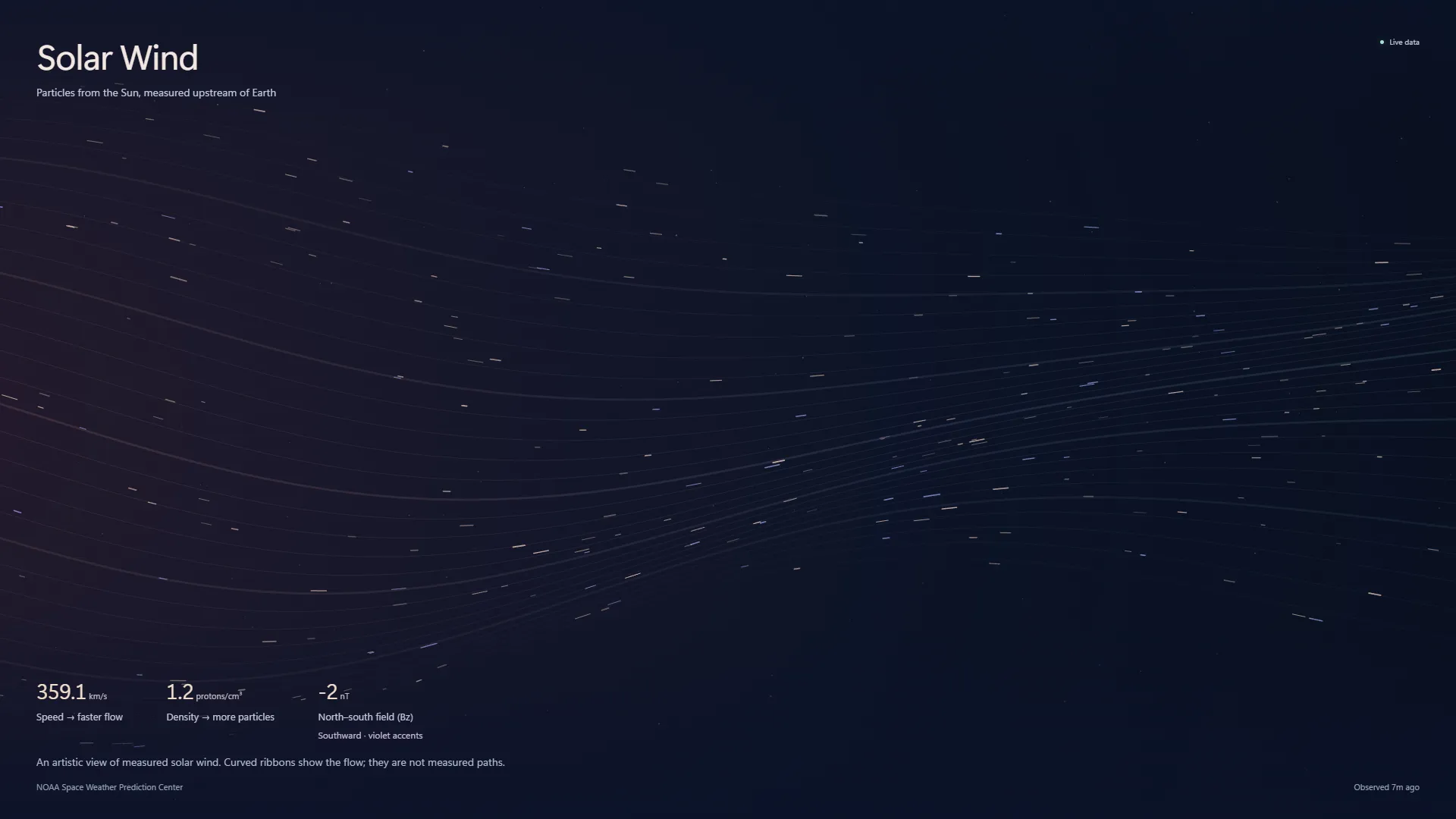
Flowing ribbons and particles that respond to the speed, density and magnetic field of the solar wind measured upstream of Earth.
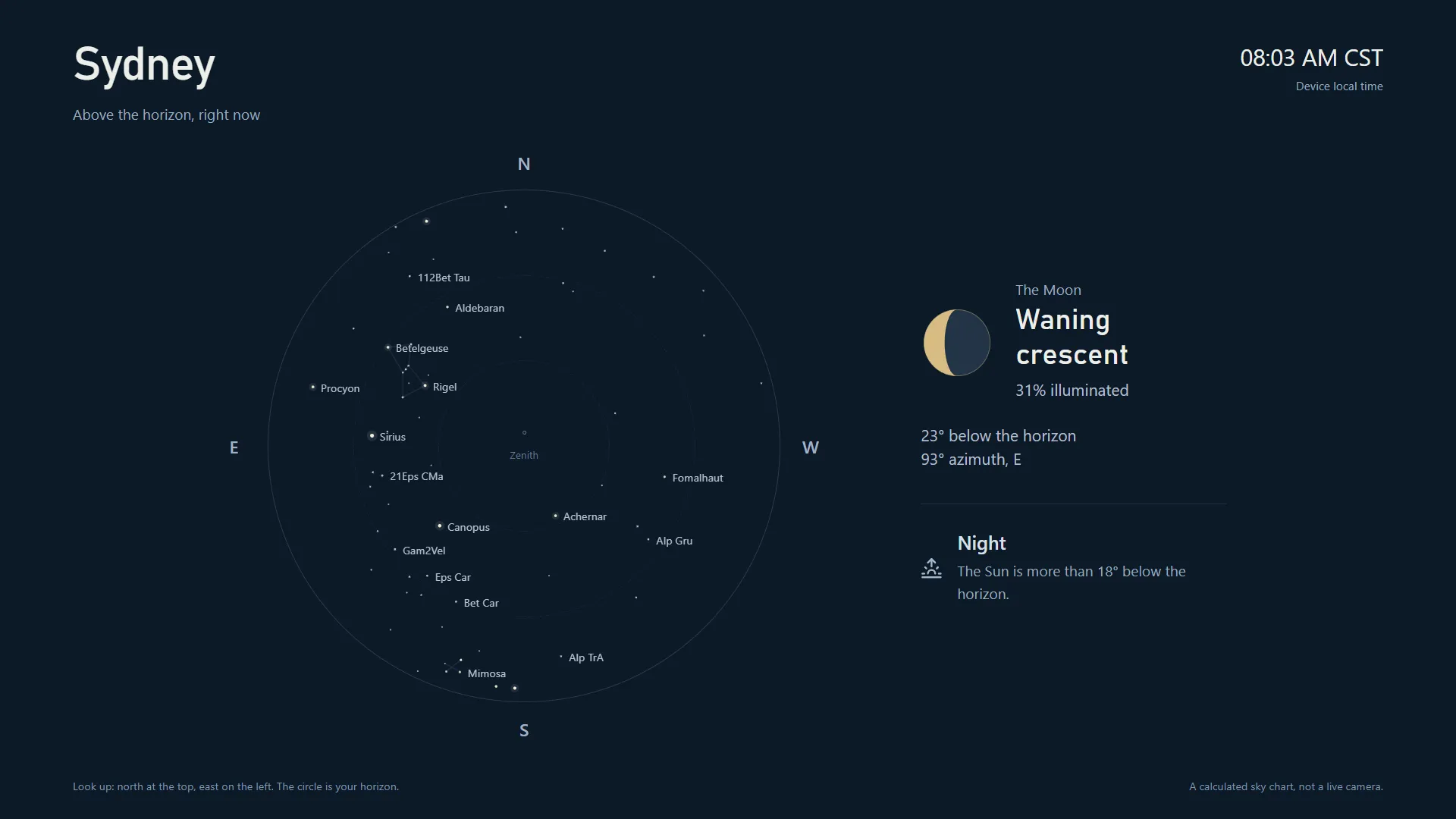
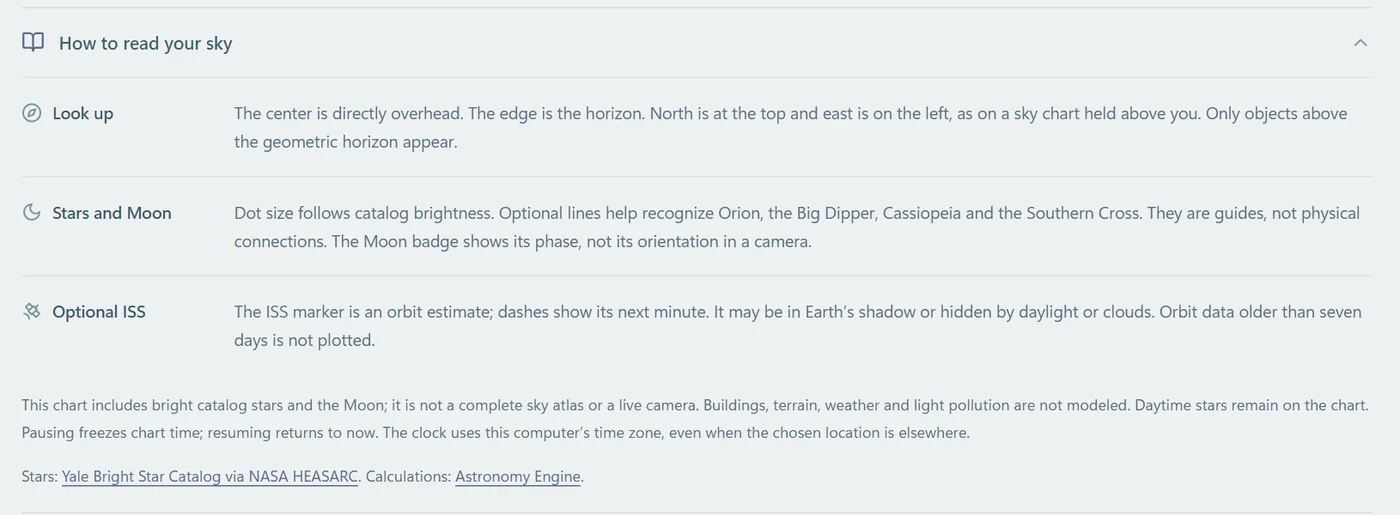
The bright stars, constellations and Moon above your chosen place, calculated for this moment, with an optional ISS track.
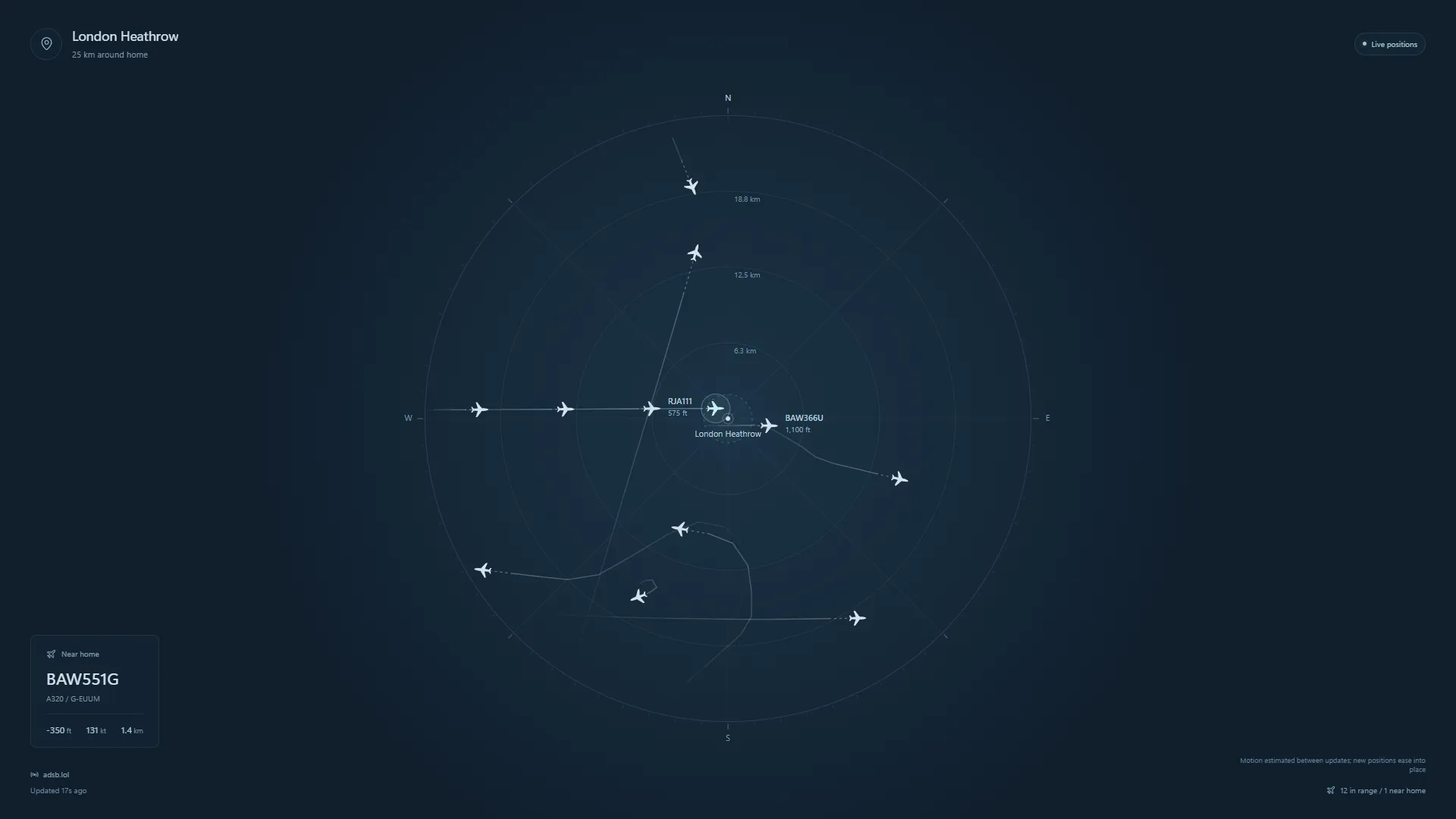
A quiet radar of the flights passing through your part of the sky, with callsigns, altitude, speed and smooth trails between position reports.
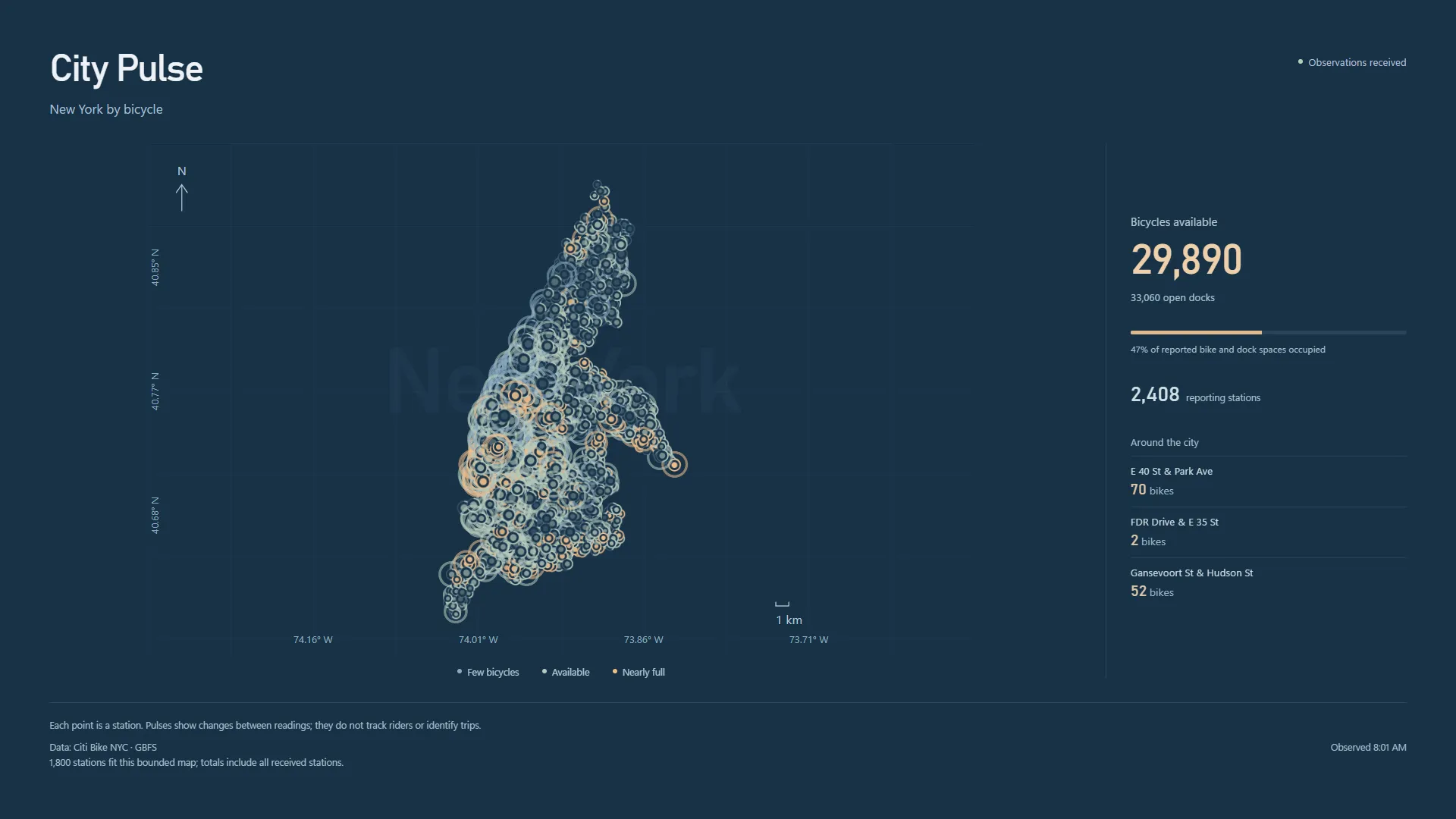
Oslo or New York as a constellation of bike-share stations, each ring filling and emptying as bicycles come and go.
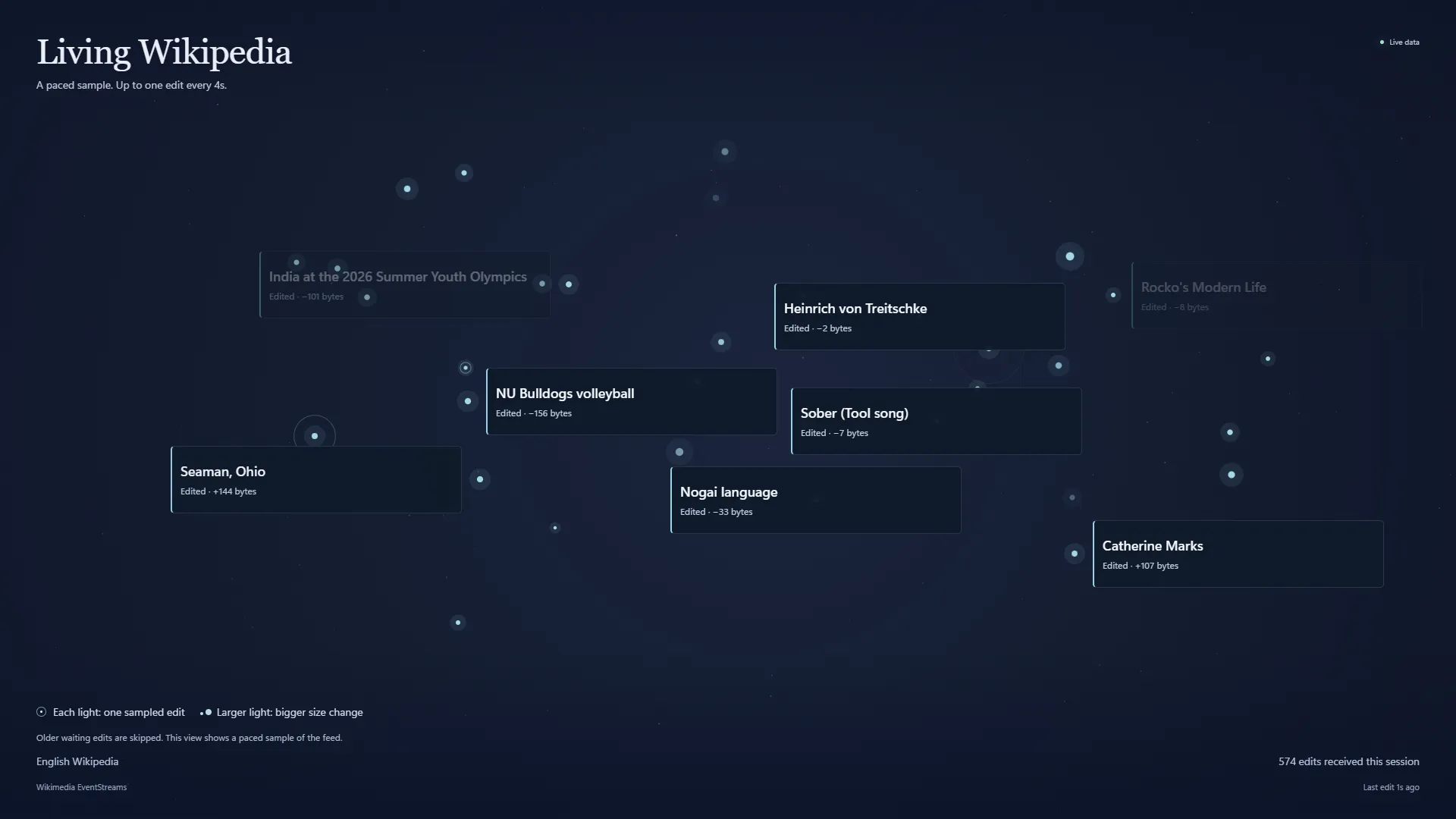
Watch people add to a shared world of knowledge. Real article edits and new pages bloom as a fading constellation of lights and titles.
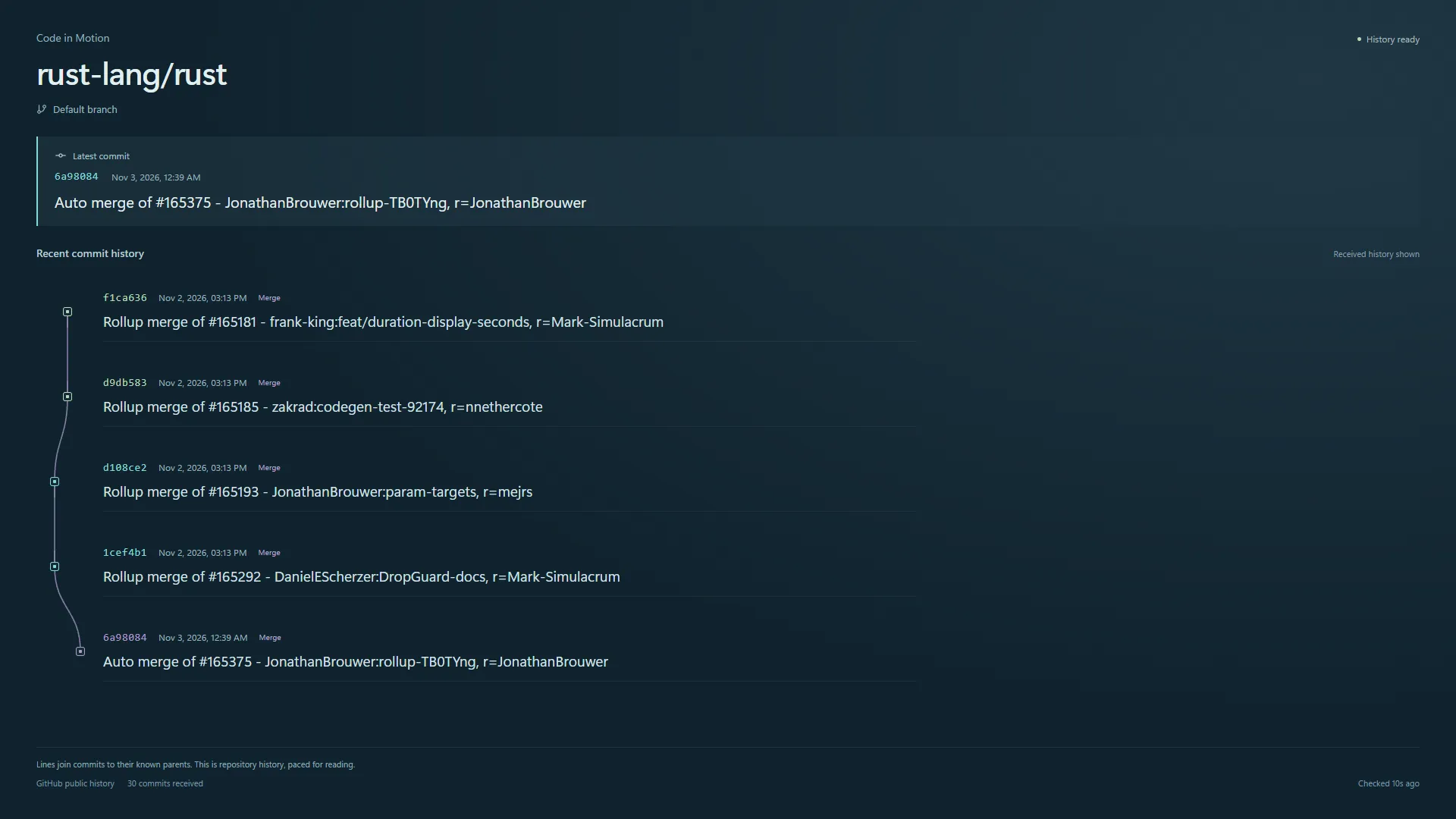
Follow the commits shaping a public GitHub project. Messages, hashes and branches arrive at your chosen pace, linked by their real history.
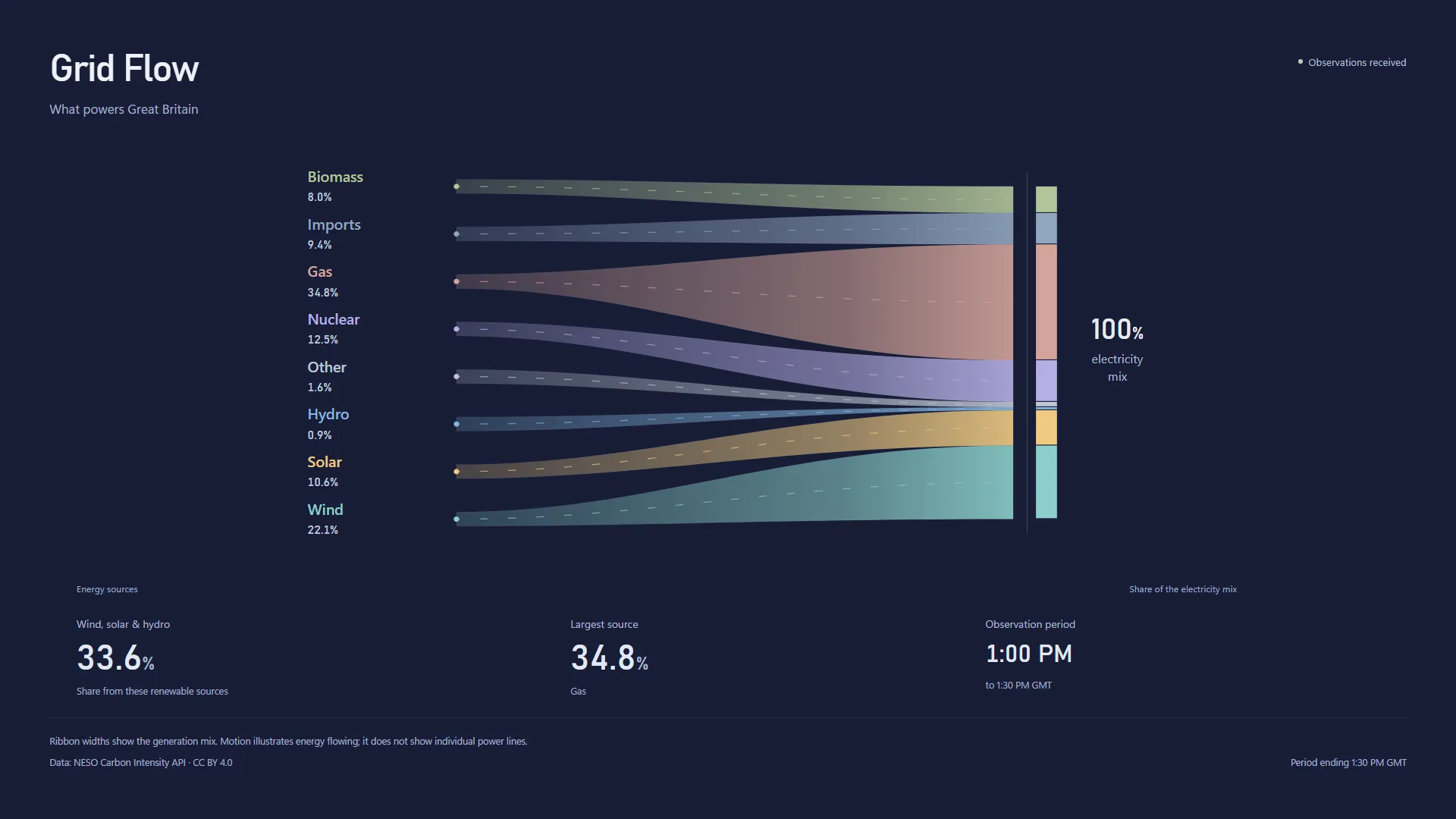
Great Britain's electricity mix as proportional ribbons: wind, solar, gas, nuclear and more, with the renewable share at a glance.
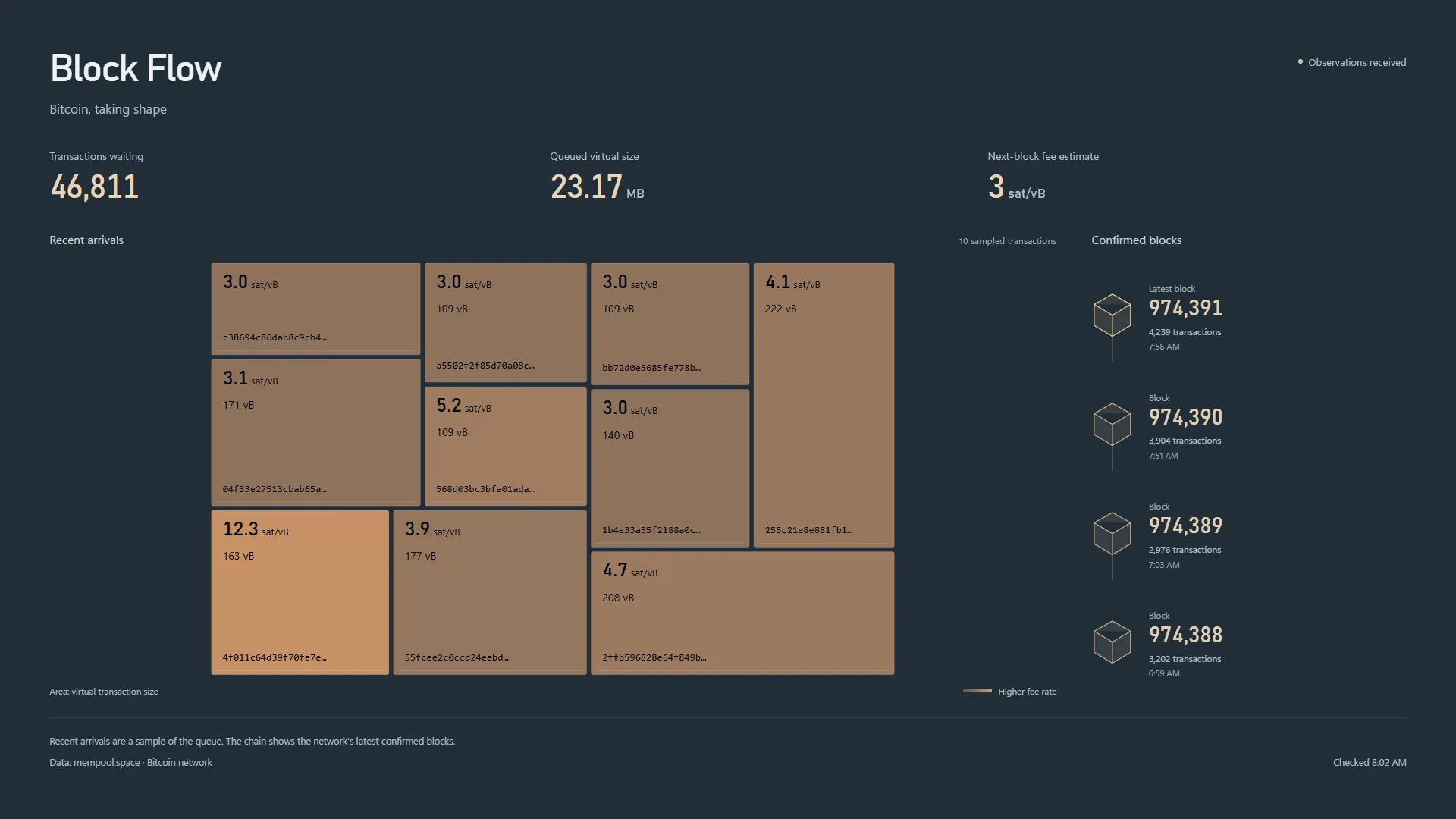
A mosaic of recent Bitcoin transactions sized by virtual size and coloured by fee rate, beside the newest blocks joining the chain.
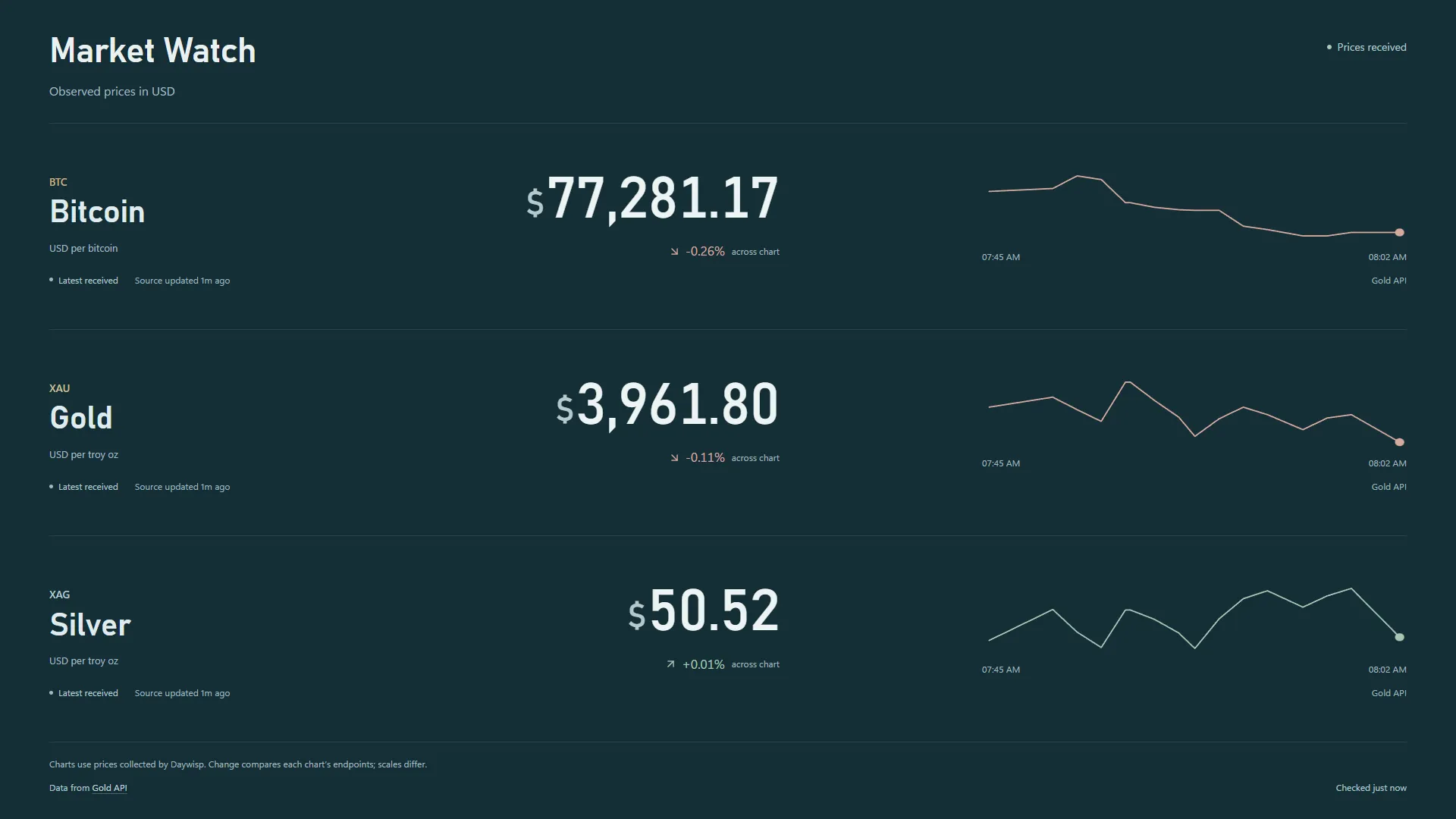
A calm price board for Bitcoin, gold and silver, with charts built only from prices your PC actually observed. No ticker frenzy.
Plus your own videos: add local MP4, MKV, WebM and more, and loop them behind your icons.
Daywisp is built to be glanced at between tasks. Each scene is a piece of calm design first, and an honest instrument second.
Paste a coordinate from Google Maps or look up an address, choose a viewing radius, and a north-up radar fills with the aircraft around you.
An all-sky chart calculated for your place and the current minute, laid out as if you were lying on your back looking up.
Every few seconds someone, somewhere, improves Wikipedia. Daywisp turns that stream into a slow, glowing constellation.
Earth Pulse, Ocean Motion, Tide Room and Solar Wind turn scientific observations into scenes you can live with all day.
Browse the collection, open a wallpaper to tune it, and press Apply. Close the window and Daywisp keeps your wallpaper going from the system tray.
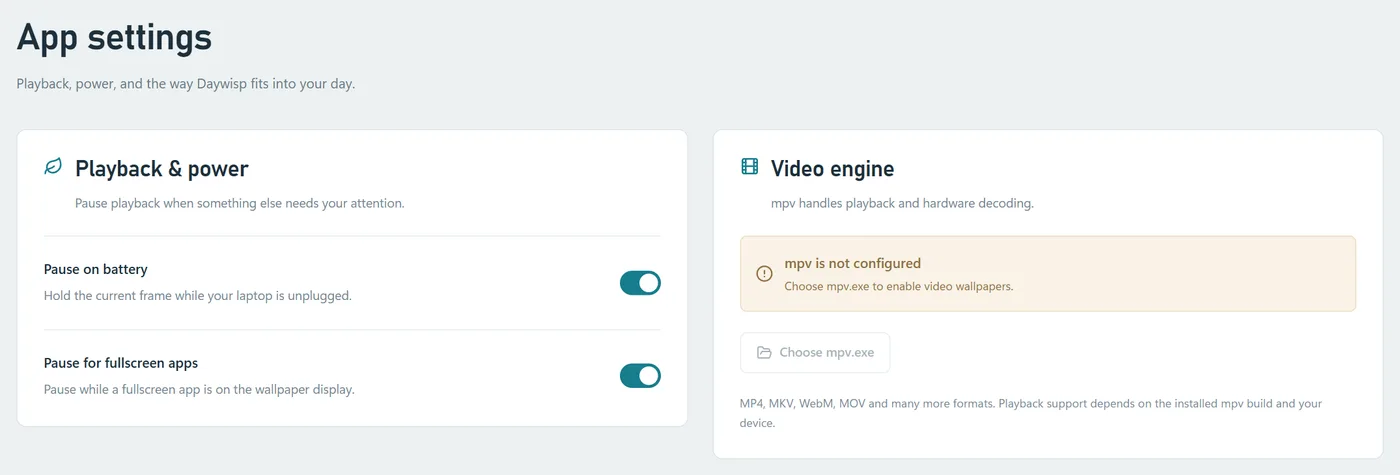
Pause automatically when your laptop is running on battery, and resume when you plug back in.
When a game or video covers your display, Daywisp can pause so every bit of performance goes to what you're doing.
Close the window and the wallpaper keeps running. Reopen, pause, stop or quit from the system tray at any time.
Slow, eased animation tuned for peripheral vision, with reduced-motion support built into every scene.
Wallpapers sit behind your desktop icons on the display you choose. Stop and your usual wallpaper returns.
If Windows rebuilds the desktop, live wallpapers reconnect on their own, and feeds back off politely when a source is busy.
Daywisp is art that respects its sources. It never fabricates readings to keep a scene busy.
Scenes show the age of their observations. When a feed is late or unavailable, the motion holds still and says so.
Rings are markers, not seismic waves. Swell is an illustration, not a wave reconstruction. Each reading guide is clear about the difference.
Bounded request rates, conditional requests and backoff keep Daywisp a good citizen of the public services it relies on.
Daywisp has no account and no analytics. Your settings and saved places live on your PC, and each wallpaper only contacts its data source while it is showing.
Read the privacy policy64-bit (x64), Windows 10 version 2004 (build 19041) or newer. Windows in S mode is not supported.
Included with Windows 11 and most Windows 10 PCs. If it's missing, Daywisp points you to Microsoft's official download.
Needed for live wallpapers. Night Sky works offline, and your own videos play without one.
Yes. Each wallpaper reads a real public source, such as USGS for earthquakes or NOAA for buoys and tides, and refreshes on a schedule suited to that source, from every 15 seconds for aircraft to every half hour for the electricity mix. Every scene shows how old its data is.
Daywisp is designed to be gentle. It can pause automatically on battery power and whenever a fullscreen app covers your display, and you can pause or stop it from the tray at any time. Only one wallpaper runs at once.
Only if you tell it. You enter a location yourself for the aircraft radar and Night Sky; Daywisp never requests your Windows location. The aircraft feed receives the coordinates and radius you choose, so you can use a nearby public spot instead of your exact address. Night Sky's calculations happen on your PC.
Yes. Add local video files to the Videos library and loop them behind your desktop icons, muted by default. Files stay in their original location. Video wallpapers use the free mpv player, which you select in Settings.
You can choose which display shows your wallpaper. Daywisp currently runs one wallpaper on one display at a time.
The scene holds still and tells you the data is unavailable or stale, then picks up again automatically once the source returns. Daywisp never fills the gap with made-up values.
Email support@daywisp.io or visit the support page.
Daywisp for Windows
Daywisp is coming soon to the Microsoft Store. Questions in the meantime? We'd love to hear from you.